
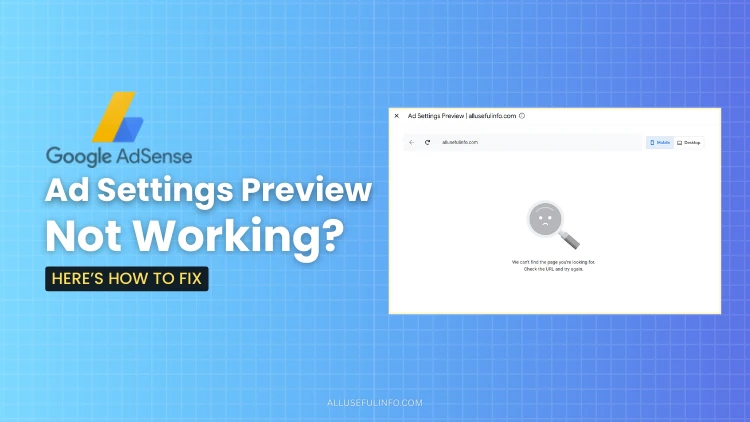
Google AdSense ad preview not working? Here is a simple fix. I recently opened Google AdSense to edit my Auto Ads, but the preview showed a blank screen with the error, We can’t find the page you’re looking for. This issue causes confusion, as many think their website or ads are broken. In reality, the preview is only a viewing tool and does not control whether ads actually show for visitors. My own ads were fine, but the preview failed due to a security setting.
If the Google AdSense ad preview is not working, the reason is often simple. In my case, Cloudflare’s Bot Fight Mode was blocking the automated preview request. I turned off this feature in my Cloudflare dashboard under Security > Settings, refreshed the preview, and it worked instantly. This is a common fix because the AdSense preview tool loads your page like an automated system, which security tools mistake for a bot.
Other possible fixes can resolve the issue if Cloudflare isn’t the cause. First, try pausing Cloudflare temporarily to see if the preview works, then check settings like Browser Integrity Check or I’m Under Attack mode. Next, test in an incognito window to rule out browser extensions, like ad blockers, which can block the preview. Also, ensure the page is fully public, not password-protected, and loads without errors or redirect chains.
If the Google AdSense ad preview remains stubborn, remember that ads still show for real visitors. The preview is just a visual tool, and occasional bugs can occur. For websites with heavy JavaScript or iframes, the tool may simply get confused. Stay calm, try these fixes step by step, and you will typically solve the problem without stress.