
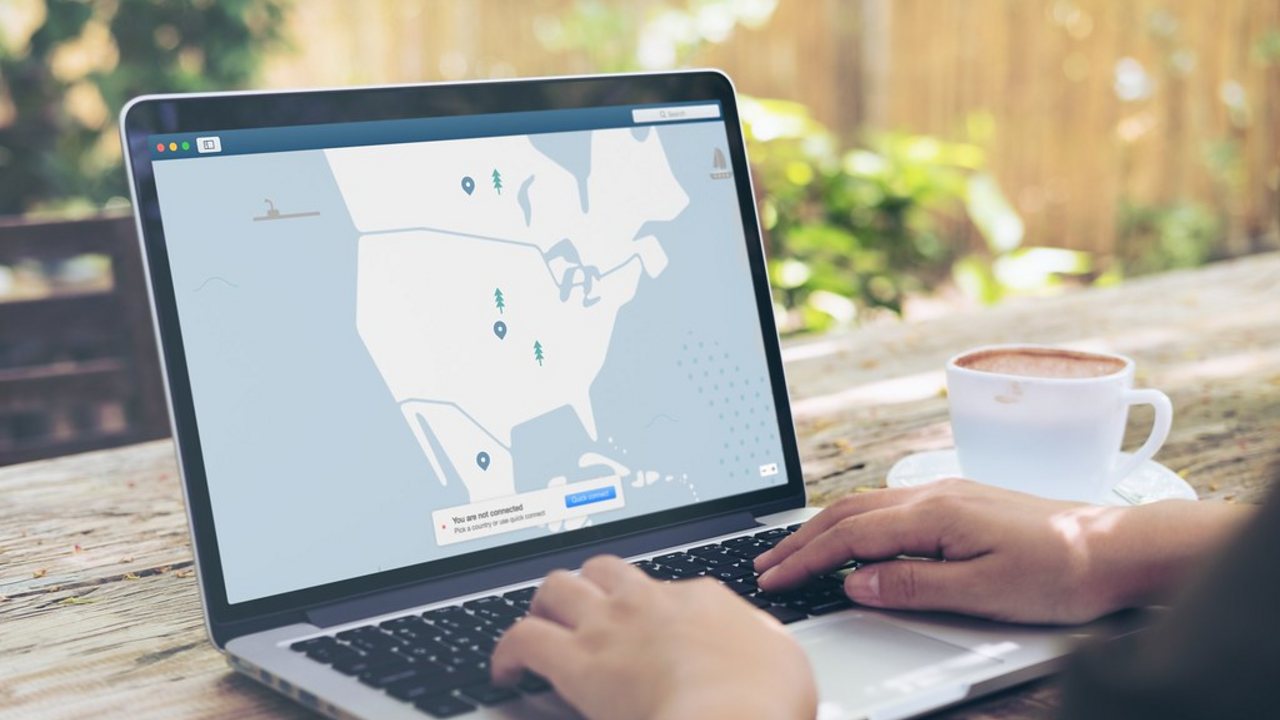
Set Vpn Up: what readers need to know today. Modern digital workflows require constant attention to data privacy, especially as public Wi-Fi networks and tracking mechanisms expand across global infrastructure. Configuring a reliable virtual private network creates an encrypted tunnel between your device and the internet, masking your real IP address from external snooping. Whether you are using a Windows desktop, a Mac, an iPhone, or an Android device, establishing this baseline software security layer takes only a few minutes. Users must first select a trusted service provider that maintains a strict zero-logs policy, avoiding free utilities that often monetize user bandwidth or leak identifying telemetry data.
How To Set Vpn Up
Once you select a reputable provider, download their official application directly from the developer’s portal or your device’s verified app store. Install the software and log in using your subscriber credentials. Most modern applications feature a prominent quick-connect button that automatically selects the optimal server location based on your ping and distance. If you need a specific geographic region to access region-locked academic tools or secure corporate databases, manually select that country from the server list. Tap connect, wait for the status indicator to turn green or show an active lock symbol, and your entire device traffic is instantly encrypted. For advanced users, manual protocol setups using WireGuard or OpenVPN parameters are available within network settings, though default application defaults offer optimal speed and security for everyday browsing.
Follow PakkaFilmy for more updates. For official information, visit MeitY.gov.in. Also read: Wi-Fi 7: Secure home networks and slash your energy bills today

Prashanth is the editor of PakkaFilmy. He covers Telangana and Andhra Pradesh politics, Telugu and Indian cinema, sports, technology and useful public-interest news in clear, simple English. Every story is checked against available official information before publishing, as set out in our Editorial Policy. Follow PakkaFilmy on X: https://x.com/pakkafilmy007 | Telegram: https://t.me/pakkafilmytelugu | Instagram: https://instagram.com/pakkafilmy_